There is no such thing as the “best” POS terminal. There is only the right one for the way your business operates. A supermarket, a food delivery rider, a hotel and a vending machine all need to accept payments. But they don't need to accept them in the same way.
The smarter approach is to start with the payment moment. Where does it happen? Who is taking it? Does the device need to move? How frequently does it need to process transactions? And what happens when there is nobody there to take the payment?
Here's a breakdown of the major POS terminal categories, what each one is built to do, and where it makes the most sense. These are general best practices provided for reference only, the final decision should be made by you, after consulting with your payment solution provider
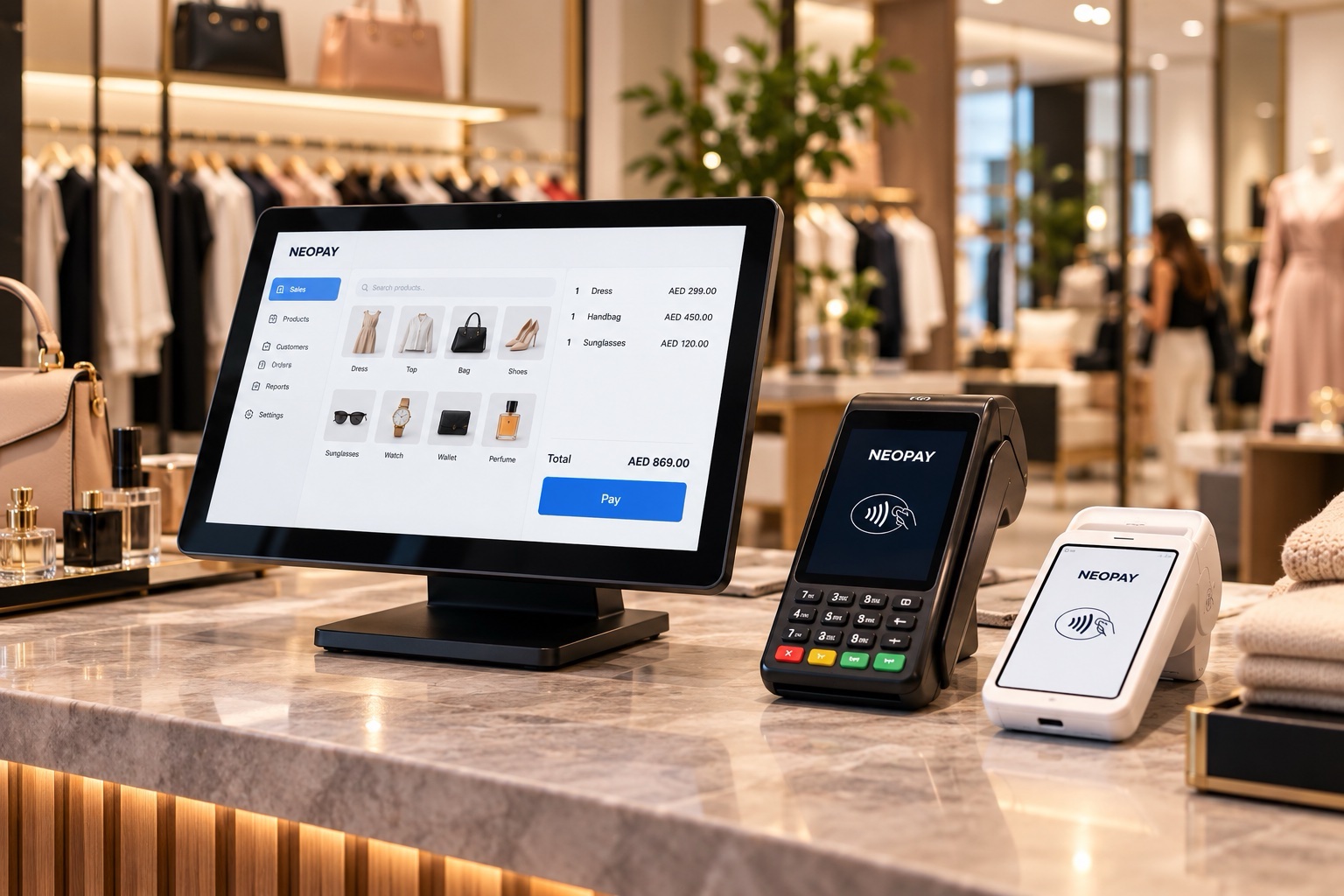
Traditional POS
What it is: A complete checkout setup that combines payment acceptance with capabilities such as receipt printing and barcode scanning in one device.
Best used in:
- Grocery stores & supermarkets: Where high transaction volumes, scanning and fast-moving queues demand an efficient checkout.
- Pharmacies: Where payment, product scanning and receipt printing need to happen within a structured checkout environment.
- Large retail counters: Where fixed payment points handle a high frequency of transactions.
Why it fits: At a busy checkout, payment is only one part of the job. Products need to be scanned, receipts issued and transactions completed without holding up the next customer. Here, volume is the constraint.
Wireless Integrated POS
What it is: A terminal that brings payment directly to the customer while remaining connected to the business's wider POS setup.
Best used in:
- Restaurants & cafés: Staff can settle bills at the table rather than sending customers to a central counter.
- Hotels : Payments can happen at the pool, in guest rooms, during room service or across event spaces.
- Bars & lounges: Staff can take payments across the floor without creating a bottleneck at a fixed till.
Why it fits: These businesses have a defined physical location, but no single fixed point where every transaction needs to happen. The Wireless Integrated POS solves a mobility problem within a fixed business.
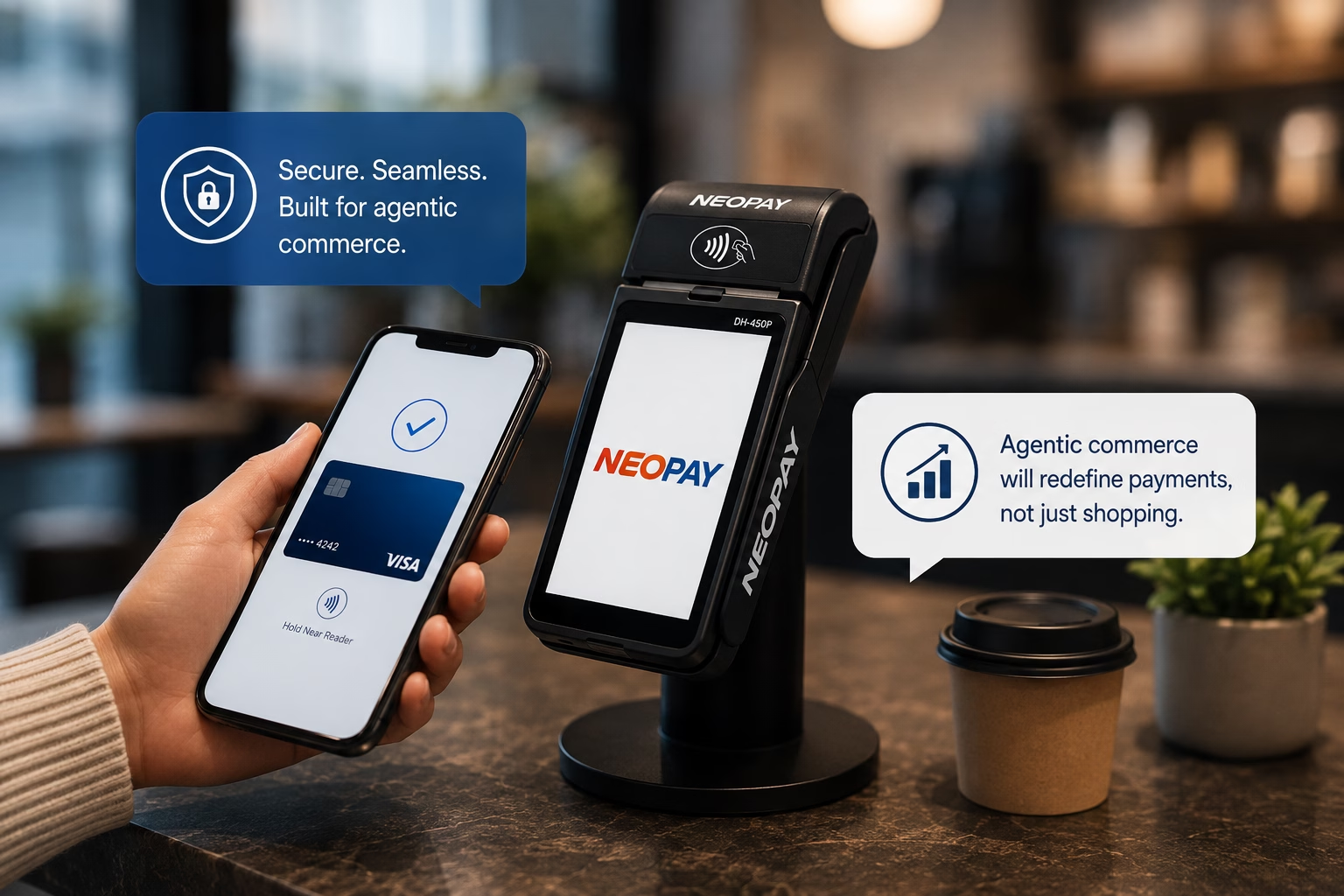
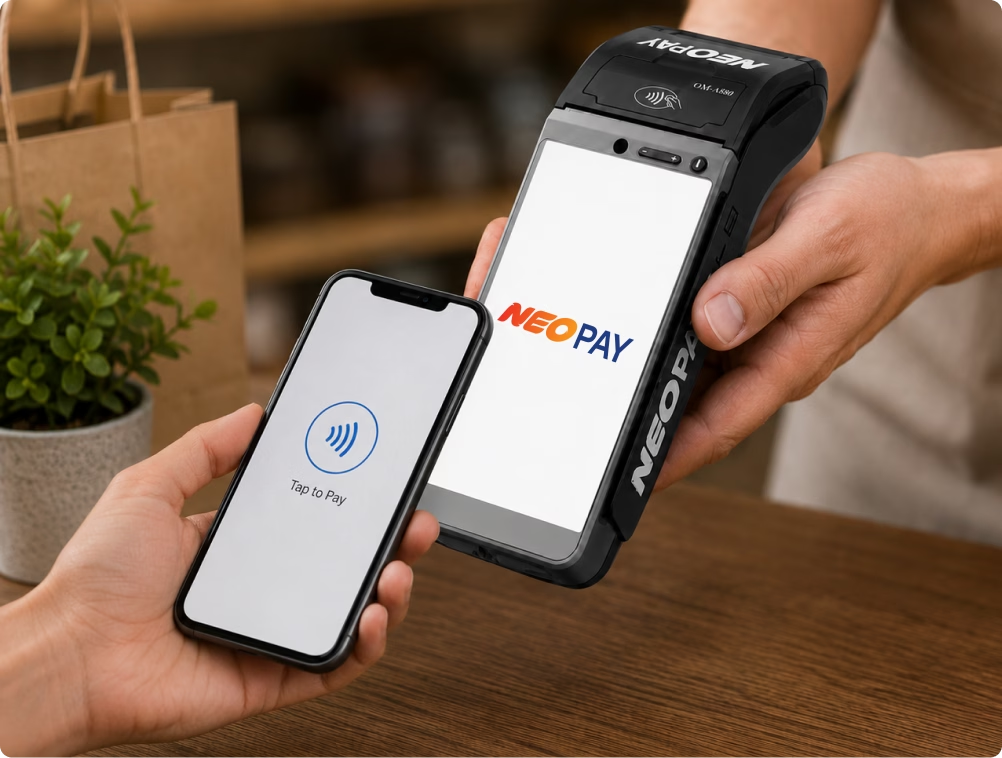
SoftPOS / Tap-on-Phone
What it is: SoftPOS turns an NFC-enabled devices into a payment terminal, eliminating the need for a separate device. The phone that's already in someone's hand becomes the payment point.
Best used in:
- Delivery & logistics: Riders can accept payments at the customer's doorstep without carrying a separate terminal.
- Field sales & service: Sales representatives and technicians can collect payments wherever the job takes them.
- Small service providers: Tutors, home-service professionals and solo operators can accept cashless payments without investing in dedicated hardware.
Why it fits: These are businesses where the person is already mobile and the “counter” doesn't exist. The constraint isn't transaction volume or counter space. It's mobility. Adding another device simply adds something else to carry.
Mini POS
What it is: A compact, dedicated payment terminal designed to deliver reliable card and contactless acceptance without taking up the footprint of a traditional terminal.
Best used in:
- Pop-up shops & market stalls: Where the setup is temporary and counter space is limited.
- Small studios: Where transaction volumes are steady but physical space is at a premium.
- Mall kiosks & small retail counters: Where businesses need dedicated payment acceptance without a bulky setup.
Why it fits: These businesses need a proper payment device, but don't need a large one. The Mini POS terminal solves a space problem and also is paperless. It gives businesses dedicated payment infrastructure without making the payment setup bigger than the business itself.
Unattended & IoT-Based Devices
What it is: unmanned & IoT based devices are designed for payment environments where there may be no employee involved in the transaction. The device can be embedded into a machine or kiosk and accept payments directly at the point of use.
Best used in:
- Arcades & gaming lounges: Customers can tap and start a session directly at the machine.
- Vending machines: Each machine becomes an independent payment point without requiring staff.
- Unattended kiosks: Self-service ticketing, self-checkout and other automated environments can accept payments without a cashier like bill and parking payment kiosks.
Why it fits: They changes the equation entirely. What happens when there is nobody there to take the payment?
These environments can operate around the clock and often without supervision. The payment device therefore needs to function independently as part of the machine itself.
Think beyond the counter
Line these five devices up and one thing becomes clear: they aren't really competing with each other. They're solving different payment problems.
SoftPOS is for people who are already moving. Mini POS is for small, temporary or space-constrained counters. All-in-One is for high-volume, fixed checkout points. Wireless Integrated POS is for staff who need to bring payment to the customer. Pulse is for machines that need to accept payment without anyone there.
And businesses don't necessarily have to choose just one.
A retailer might use an All-in-One Terminal at its main checkout, Mini POS at a pop-up activation and SoftPOS for its field sales team. A hotel might combine fixed terminals at reception with Wireless Integrated POS across its restaurants and Pulse for unattended facilities.
The right POS strategy starts with the payment environment, not the device.
FAQs
How much does a POS system cost in the UAE? Should I rent or buy the POS machine?
There’s no one-size-fits-all price. It depends on the POS type, features, and setup your business needs. Your payments provider can give you the most accurate pricing and advise whether renting or buying makes more sense.
What are the card swipe fees for local UAE cards versus tourist cards?
Transaction fees vary based on your business, industry, and card type. Your payments provider can confirm the exact rates applicable to your business.
What is the exact monthly fee, and are there any hidden charges?
Monthly fees depend on your device, transaction volume, and overall setup. Your payments provider can provide a clear breakdown of all applicable fees and charges.
Can I use my own hardware, or do I have to buy it from the payment provider?
Generally, POS hardware needs to be provided or approved by your payments provider to ensure it works with their systems.
.avif)